MOTU / Audio interface
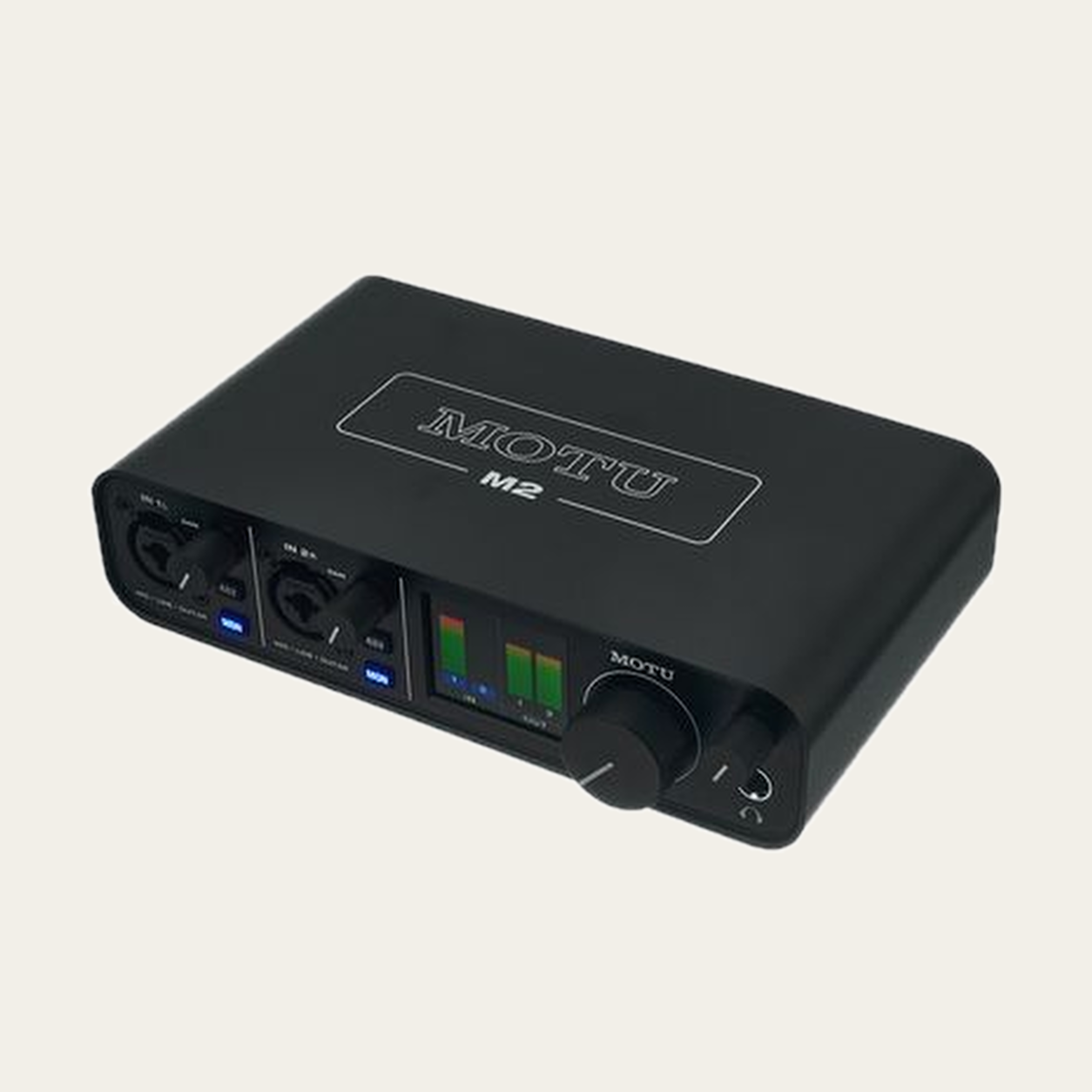
M2 MOTU M2: audio interface for podcasting, home recording, streaming.
The MOTU M2 is an audio interface designed to sit between your sources and the recording device. SONORYN focuses on the usable input paths, monitoring, computer connection and the features that can change a creator’s workflow. Documented highlights include mic inputs: 2, mic connector: XLR, phantom power: 48 V.
SONORYN ENGINE
Will it work with your gear? Choose the equipment you will connect it to. SONORYN checks the documented connection and tells you what works, what is missing and what still needs confirmation.
Select your microphoneChoose a model… Shure SM7B Shure MV7X Shure SM58 Shure SM57 Shure BETA58A Audio-Technica AT2020 Audio-Technica AT2035 Audio-Technica AT2040 Audio-Technica AT2050 Audio-Technica AT4040 LEWITT LCT 240 PRO LEWITT LCT 440 PURE LEWITT LCT 040 MATCH Audio-Technica ATR2100x-USB Audio-Technica AT2020USB-X RØDE PodMic RØDE PodMic USB RØDE NT1 Signature Series RØDE NT1 5th Generation Electro-Voice RE20 Elgato Wave:3 MK.2 Shure MV7+ Shure PGA48 Shure PGA58 Sennheiser e 835 Sennheiser e 845 Sennheiser e 935 Sennheiser e 945 Sennheiser MD 421 KOMPAKT Sennheiser Profile USB RØDE Procaster RØDE NT1-A RØDE NT-USB+ RØDE VideoMic NTG RØDE NTG1 Shure BETA 57A Shure BETA 87A Shure KSM32 Shure KSM44A Shure SM81 Sennheiser e 609 Sennheiser e 906 Sennheiser MK 4 Sennheiser MK 8 Sennheiser MKE 600 RØDE NT5 RØDE M5 RØDE NT2-A RØDE NT1000 LEWITT LCT 540 S Audio-Technica AT875R Check connection
Build your setup around this product SONORYN will keep MOTU M2 as the starting point and complete the rest of the chain.
Use in my setup