
BY THE END OF THIS GUIDE
- Recognize microphone input, USB data connection and headphone output.
- Apply phantom power only when the chain requires it.
- Separate what you hear from what the software actually records.
01 · Collect the exact model names
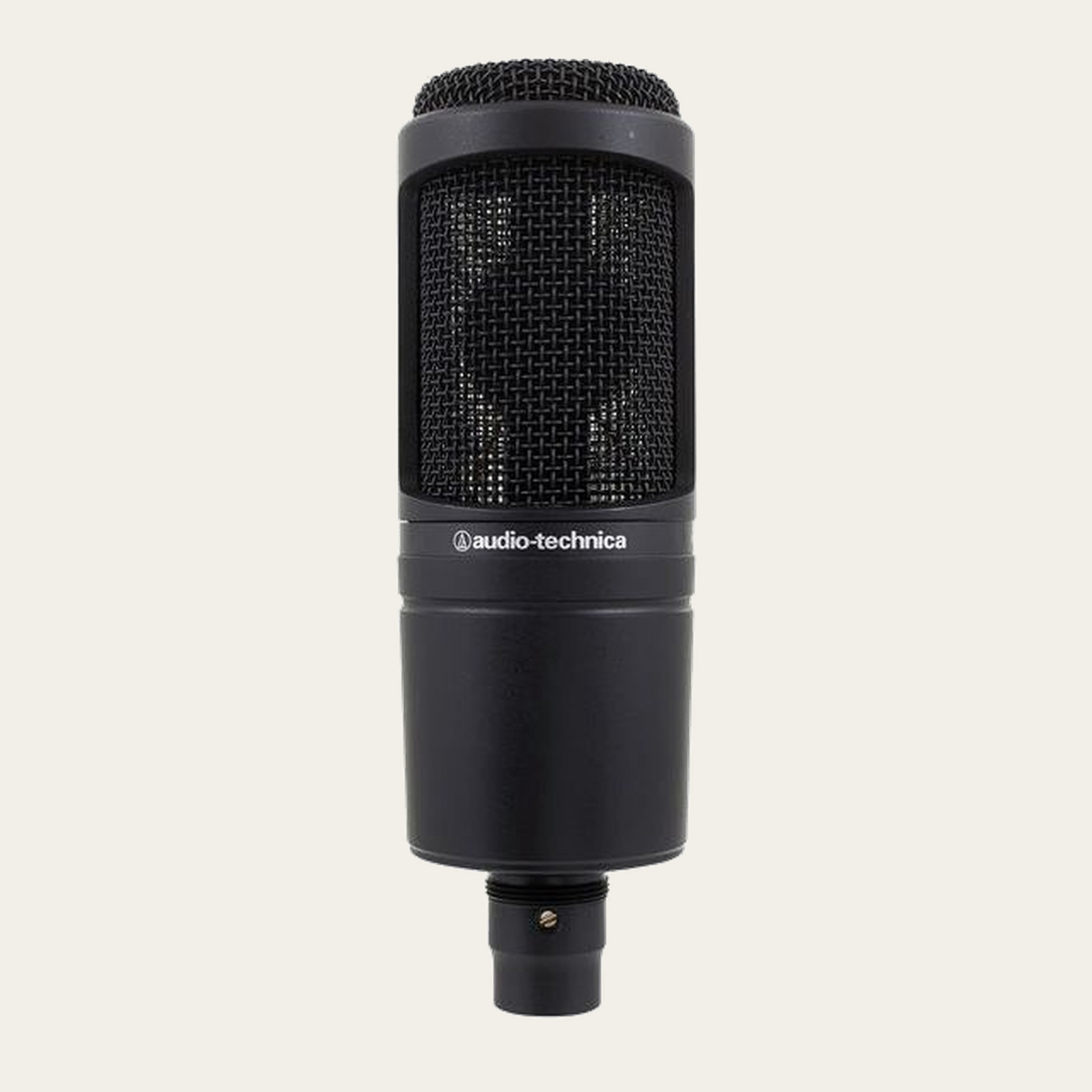
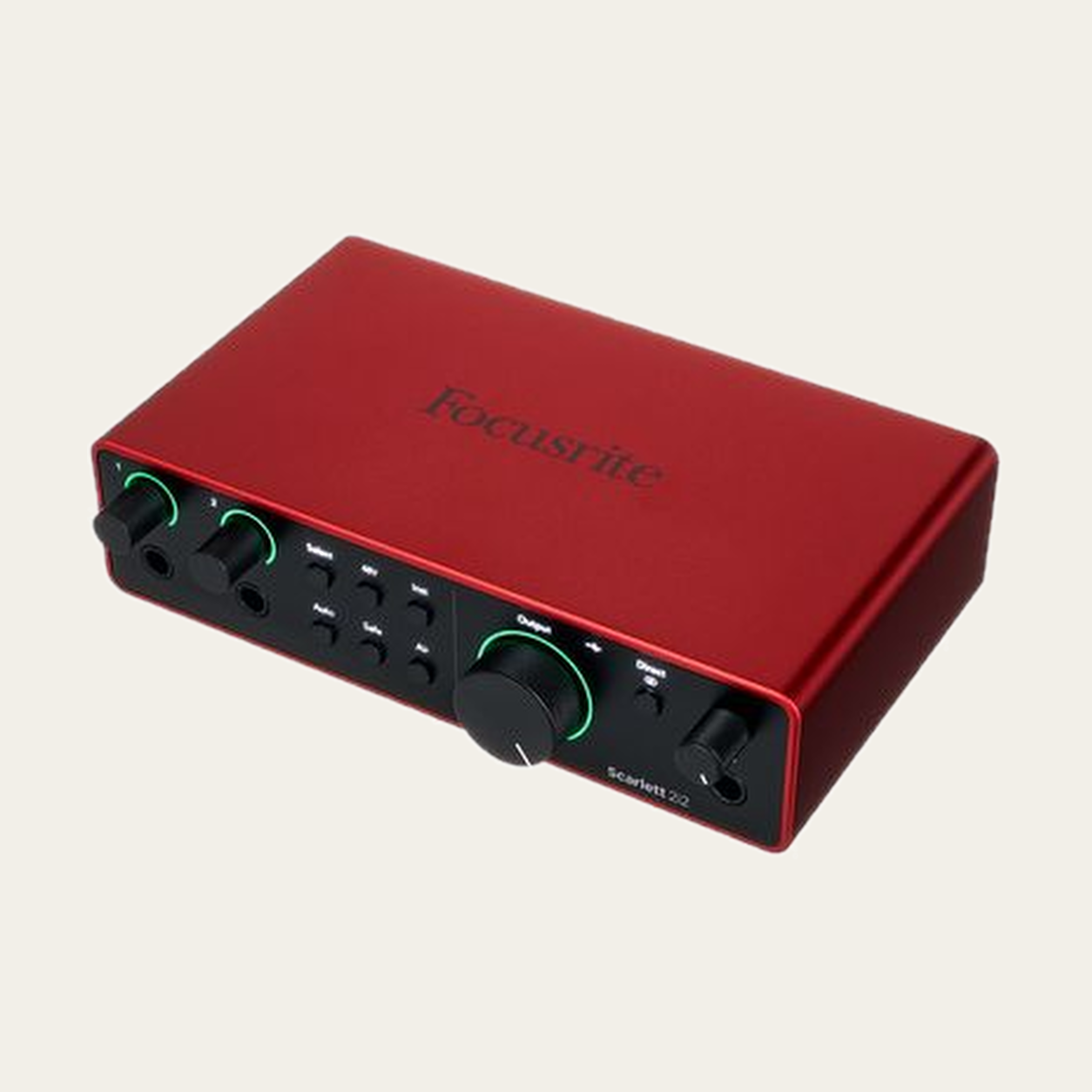
Write down the microphone, interface and generation, host device and headphones. Include the microphone cable and the data cable to the computer. If part of a model name is unknown, keep it unknown rather than substituting a similar product.
Small model differences can change the connection route, power or onboard features. A documented setup starts with the exact identity of each item.
02 · Find a microphone input
A MIC input is a different function from instrument, line or digital input. On combo sockets, check how the exact interface assigns XLR and jack modes. Do not count alternative connectors on the same channel as extra channels.
Use the manual for your specific interface generation. Front-panel layouts and control behaviour can change between revisions.
Basic analogue XLR route. Exact connectors and modes must match the selected models.
03 · Power before improvisation
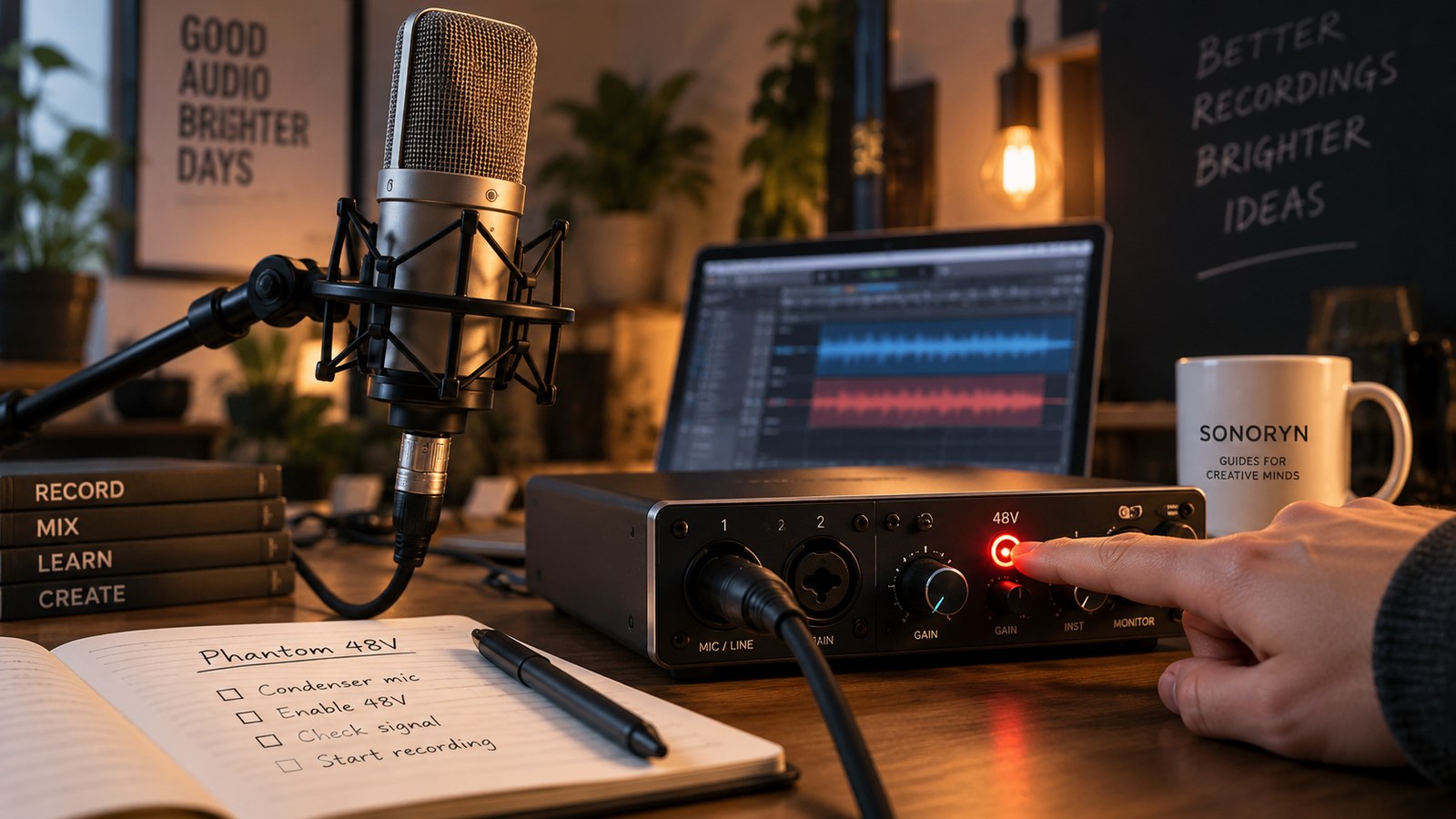
Phantom power is an electrical supply, not a sound-enhancement button. Enable it when the microphone and complete chain require it. Boosters, adapters and other devices can change the power obligations.
Follow the connection and power sequence in the relevant manuals with monitoring level low. Do not connect or disconnect equipment by habit while phantom is active.
04 · Adjust the recording path, not every volume knob
In the recording application, select the audio device and the input used by the track. Headphone volume changes what you hear, not necessarily the level recorded to disk.
Make a representative test including louder moments. If the input clips, review the applicable gain stage. There is no universal gain number that fits every microphone, voice and distance.
05 · Listen to the file, not only the live monitor
Record a short passage, stop and play back the file. Confirm content, channel and the absence of obvious interruptions. If you heard the microphone live but the track is empty, the recording-input selection may be wrong.
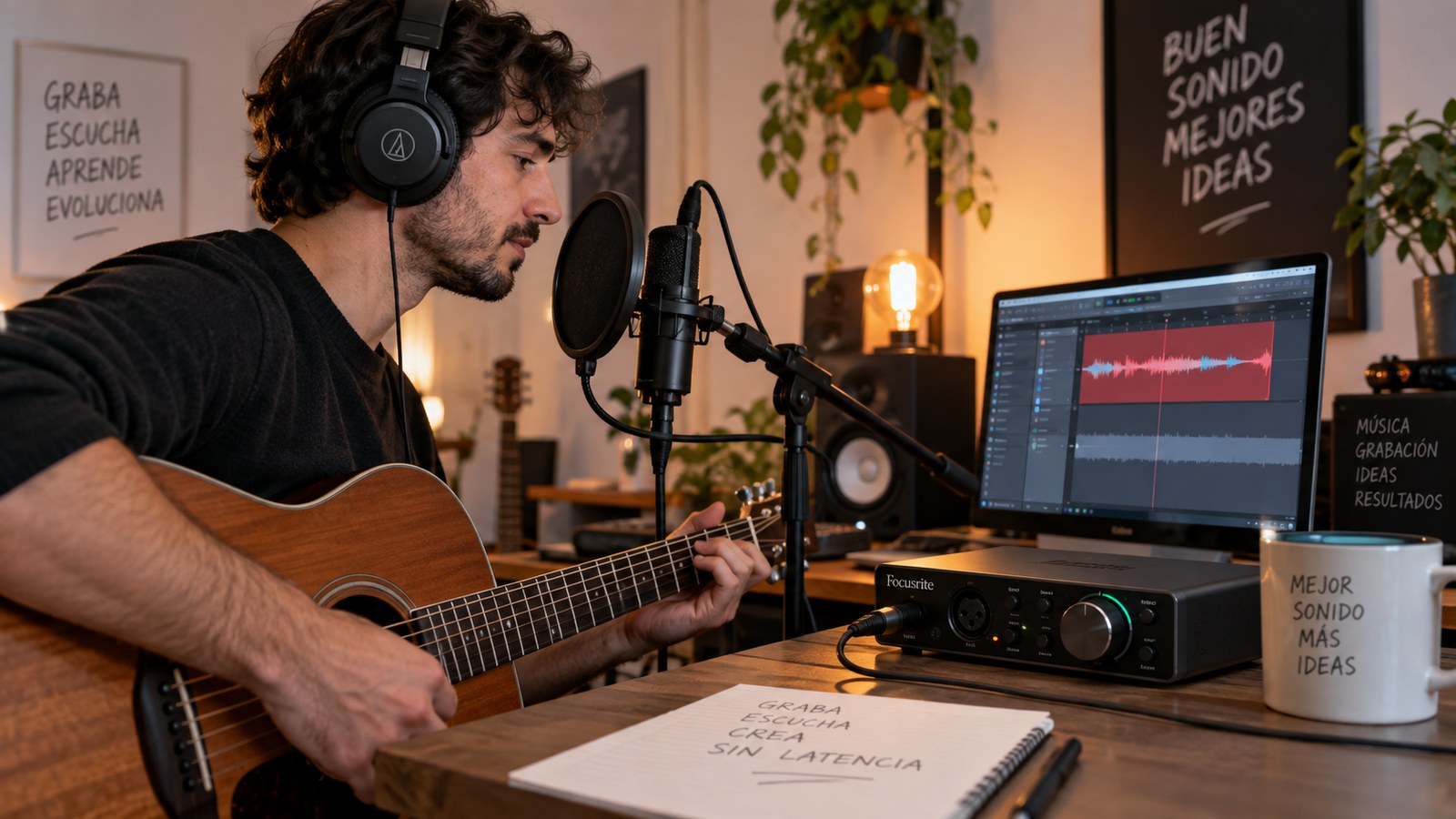
If you hear a doubled or delayed voice, check whether direct monitoring and a software return are both active. Save the project once the route is understood so future changes can be evaluated one decision at a time.
Before you record.
Common questions.
Why does the advisor not always give one exact gain number?
It does not measure your voice and not every device mode has enough electrical reference data for a defensible numerical target.
Does a pending result mean the gear is faulty?
No. It can mean information, configuration or evidence is still missing. The specific reason should remain visible.
Does every XLR microphone need phantom 48 V?
No. Passive dynamic XLR microphones may not need it, while many condensers do. Check the manual for the exact model before enabling power.