BY THE END OF THIS GUIDE
- Understand what extra equipment each route needs.
- Compare direct USB convenience with an expandable XLR chain.
- Avoid mixing digital and analogue signal paths as though they were interchangeable.
01 · Start with the host device
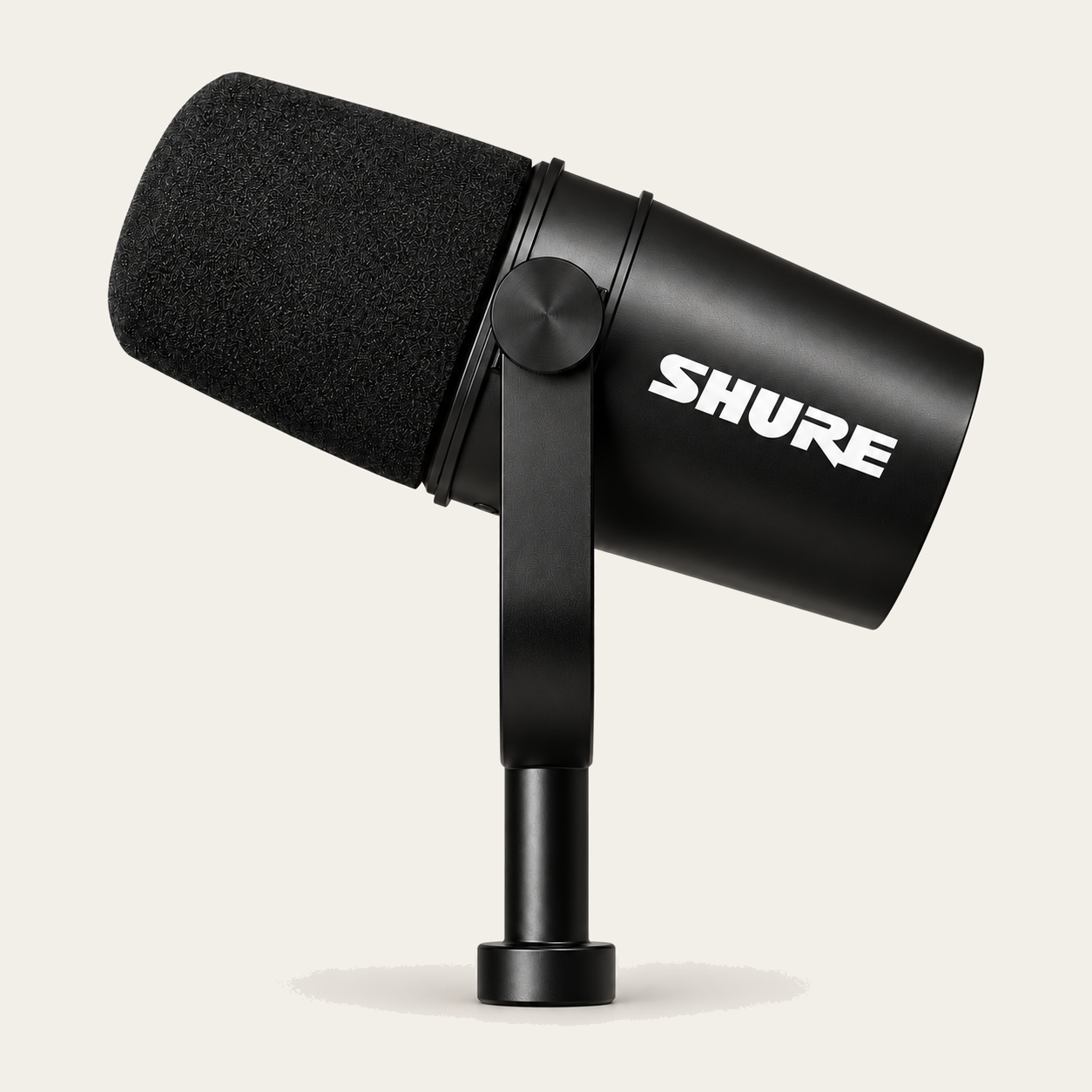
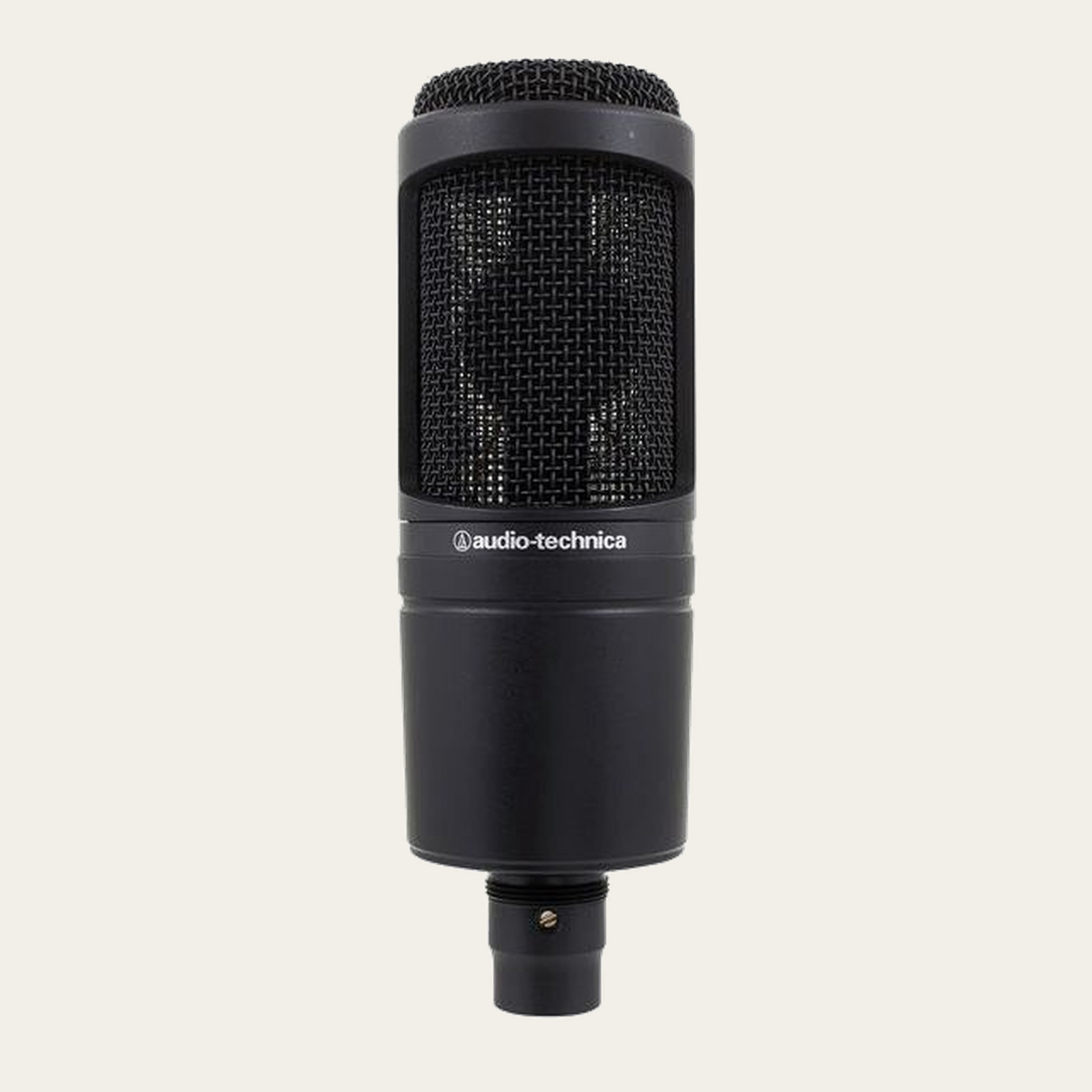
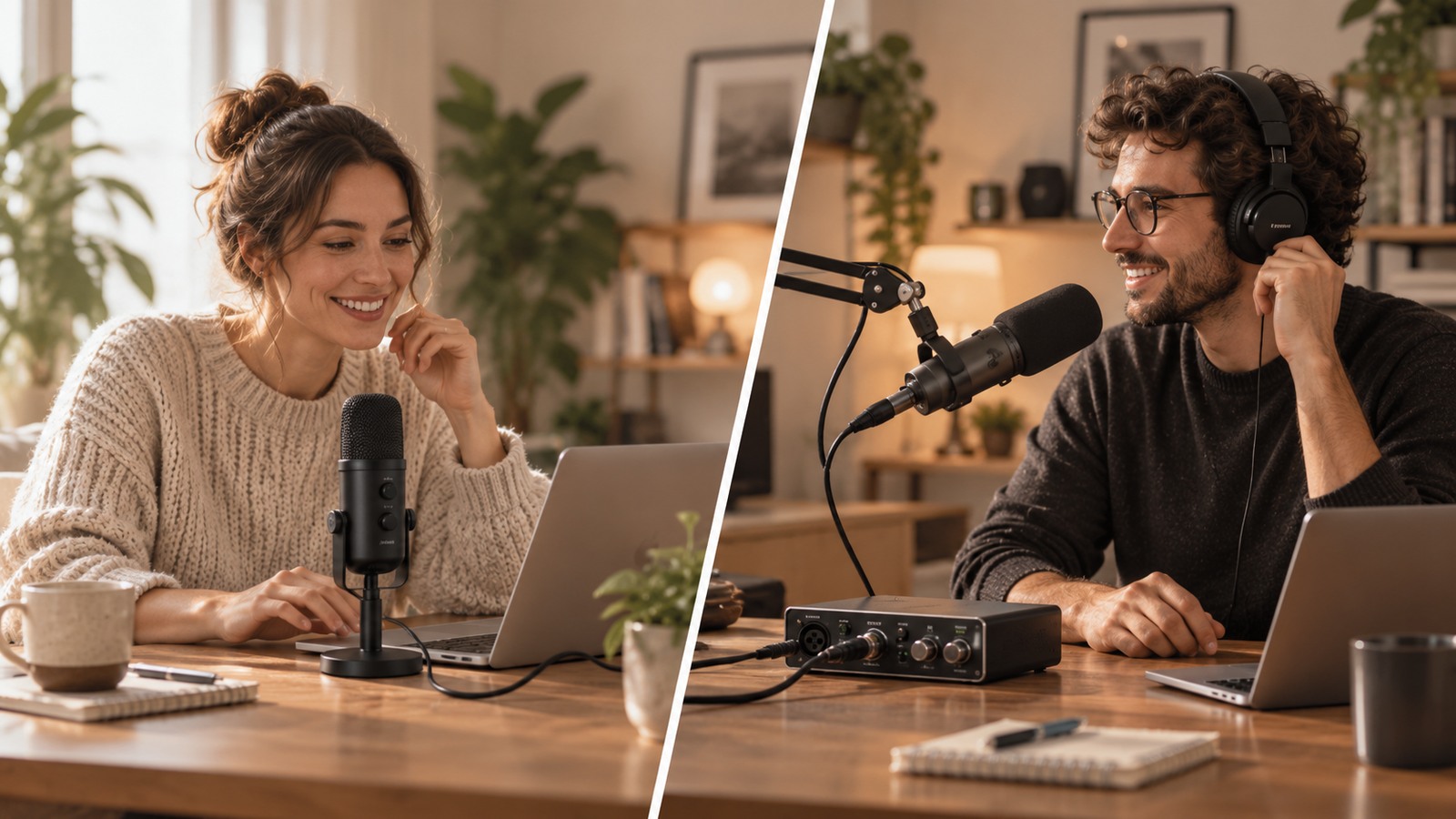
A USB microphone needs a compatible host, cable and operating-system path. An XLR microphone needs a microphone input on an interface or mixer, which then connects to the host.
If your phone, tablet or computer has a different port, check data compatibility rather than assuming every USB adapter carries audio. Charging capability alone is not proof of a data path.
02 · Count how many sources you may need
For one person, a USB microphone can make a compact setup. For several microphones, independent sources can be easier to manage through an interface or mixer designed for multiple inputs.
Multiple USB audio devices are not automatically combined into one stable multi-microphone system by the operating system. If several voices are part of the plan, describe them before choosing the connection method.
03 · Think about monitoring and control
Some USB microphones include a headphone output or onboard controls; others do not. With XLR, monitoring and gain control usually live on the interface or mixer. Check the exact model instead of assuming a feature from the connector type.
Direct monitoring, loopback and software control are separate capabilities. Decide which ones you need for recording, streaming or remote calls.
04 · Compare the whole purchase
A lower microphone price can become a larger setup once you add an interface, cable, stand and monitoring. A more integrated USB product can reduce the number of boxes, but may offer fewer ways to reuse a separate interface later.
Use the same budget boundary for both routes and count what you already own. The best value depends on the complete working system.
05 · Choose a route you can explain
Whichever route you choose, you should be able to draw it from microphone to recording application and from the application or interface to your headphones.
If a required step is unknown, keep it pending rather than filling the gap with an adapter or accessory chosen only because it looks compatible.
Before you record.
Common questions.
Is XLR always higher quality than USB?
No. The connector alone does not determine the complete audio performance. Compare the exact microphone, conversion, gain stage and workflow.
Can I connect an XLR microphone directly to USB with a passive cable?
No. An XLR microphone normally needs the appropriate analogue input and conversion stage; a cable does not replace an audio interface.
Does an XLR microphone always sound better than a USB microphone?
No. The connector alone does not determine final quality. Microphone design, preamp, placement, room, recording level and the complete workflow matter more than the USB or XLR label by itself.