
BY THE END OF THIS GUIDE
- Choose whether audio is recorded in the camera, computer or a separate device.
- Match the microphone path to the actual destination.
- Plan a synchronization and monitoring check before filming a full take.
01 · Choose the recording destination
Write down the device that will contain the final recorded audio: camera, computer, phone or a separate recorder/interface. That single decision changes the connector, cable length, power and monitoring requirements.
If picture and sound are recorded on separate devices, plan how you will identify the same take during editing. A hand clap or slate creates a visible and audible reference, but it does not replace timecode when a production specifically requires it.
02 · Match the microphone to the route
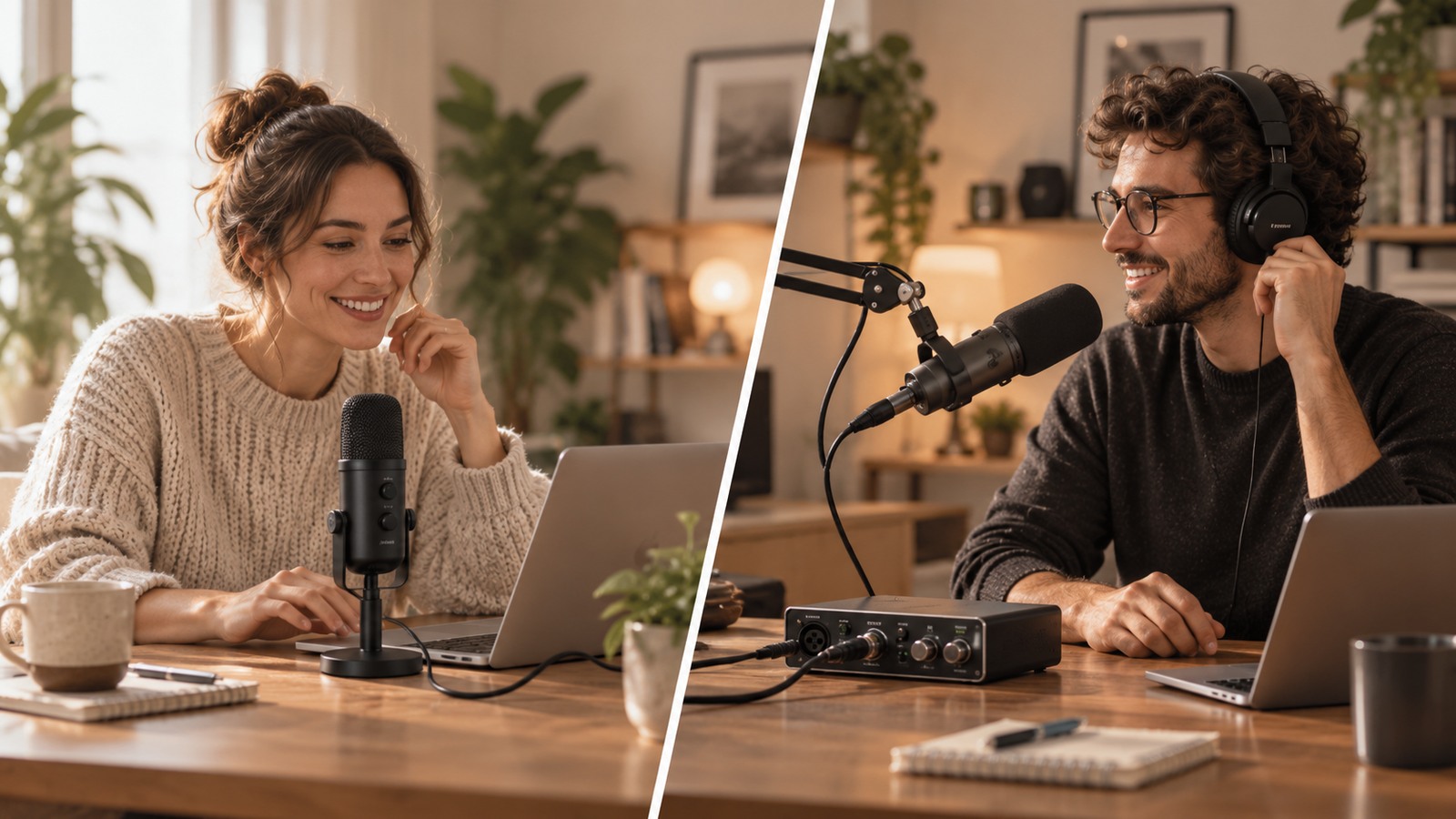
A camera microphone input is not the same as a professional microphone preamp, and a USB microphone expects a USB host rather than an analogue mic socket. Do not buy by connector shape alone.
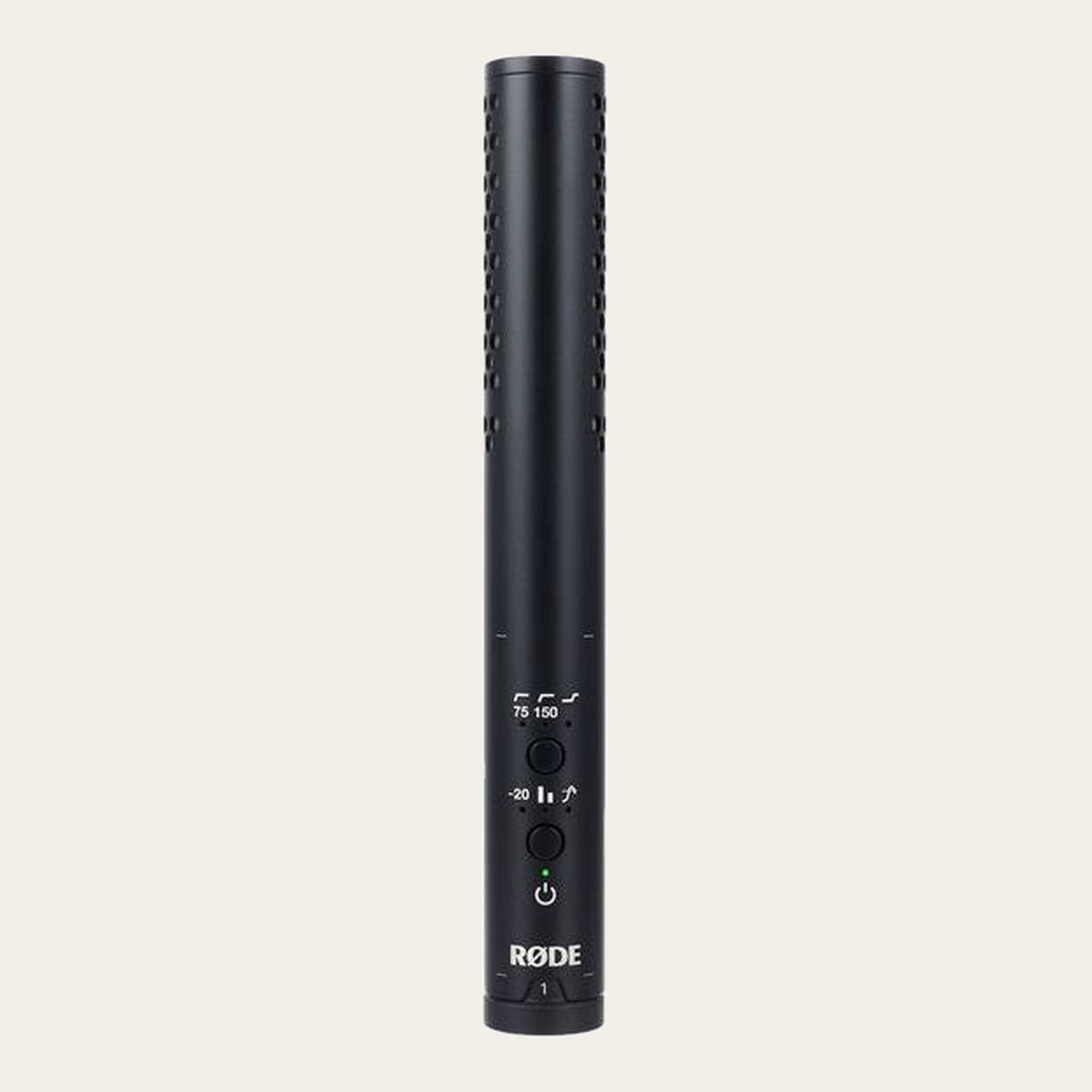
For a lavalier, on-camera microphone or XLR microphone, check the exact output, required power and the input on the destination device. Adapters can change physical formats but do not create a missing preamp or power standard.
03 · Keep the microphone close enough to matter
Distance often changes recorded speech more than a small specification difference between microphones. Place the microphone according to the model and shot, keeping it out of frame when required without moving it unnecessarily far from the speaker.
Room reflections, wind and handling noise are separate problems. A microphone cannot automatically remove them, so choose placement and accessories for the environment you actually film in.
04 · Monitor the signal you are really recording
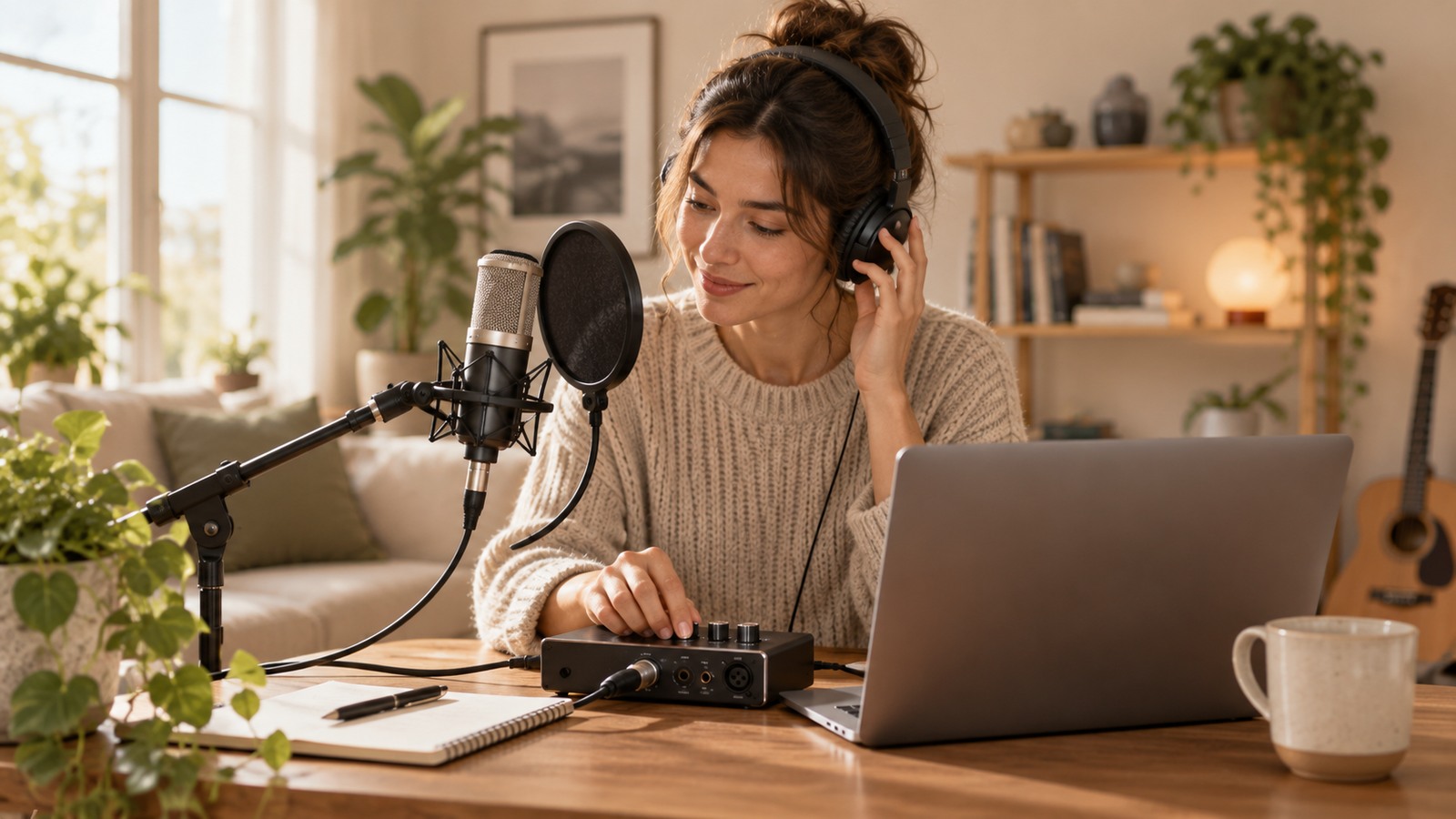
When the device provides monitoring, listen to the recorded path rather than only the room. Set the headphone level for comfortable listening and treat it separately from the recording gain.
Record a short test with normal speech and the loudest expected moment. Play the file back from the recording device. Check that the chosen channel is present and that there is no obvious clipping or missing audio.
05 · Re-check whenever the shooting method changes
Moving from a desk video to a camera across the room can change cable length, wireless needs and monitoring. Moving from camera recording to a computer changes the host and software path.
Keep the project requirement visible and re-run the setup check when the destination, number of speakers or filming environment changes.
Before you record.
Common questions.
Is a USB microphone suitable for a camera?
Not by default. USB microphones require a compatible USB host. A camera’s USB port is not automatically an audio host input.
Do I need a separate recorder for better audio?
Not always. Choose it when it solves a routing, input, monitoring or production requirement rather than as an automatic upgrade.
Is it better to record audio separately from video?
Not always. Separate audio gives more flexibility but adds sync and file management. If a direct route into the camera or recording device meets the need, it can simplify the workflow.