BY THE END OF THIS GUIDE
- Choose between layered and simultaneous recording.
- Match each source to the correct input type.
- Avoid assuming that “two inputs” always means two microphone preamps.
01 · Map the song before the cables
List the sources you want to record: lead voice, instrument, backing vocals and any track already on the computer. Mark which parts must be performed together. Recording guitar first and singing later is a different technical project from capturing both at once.
Layered recording can reuse one channel and lets you change placement between takes. Simultaneous recording preserves a joint performance but requires all the necessary inputs and monitoring at the same time. Neither method is automatically artistically better.
Workflow sequence, not an electrical wiring diagram.
02 · Mic, instrument and line are not synonyms
An XLR microphone needs a microphone input. A directly connected electric guitar or bass may require an instrument input or mode. A stereo keyboard can use two line channels if you want to preserve left and right.
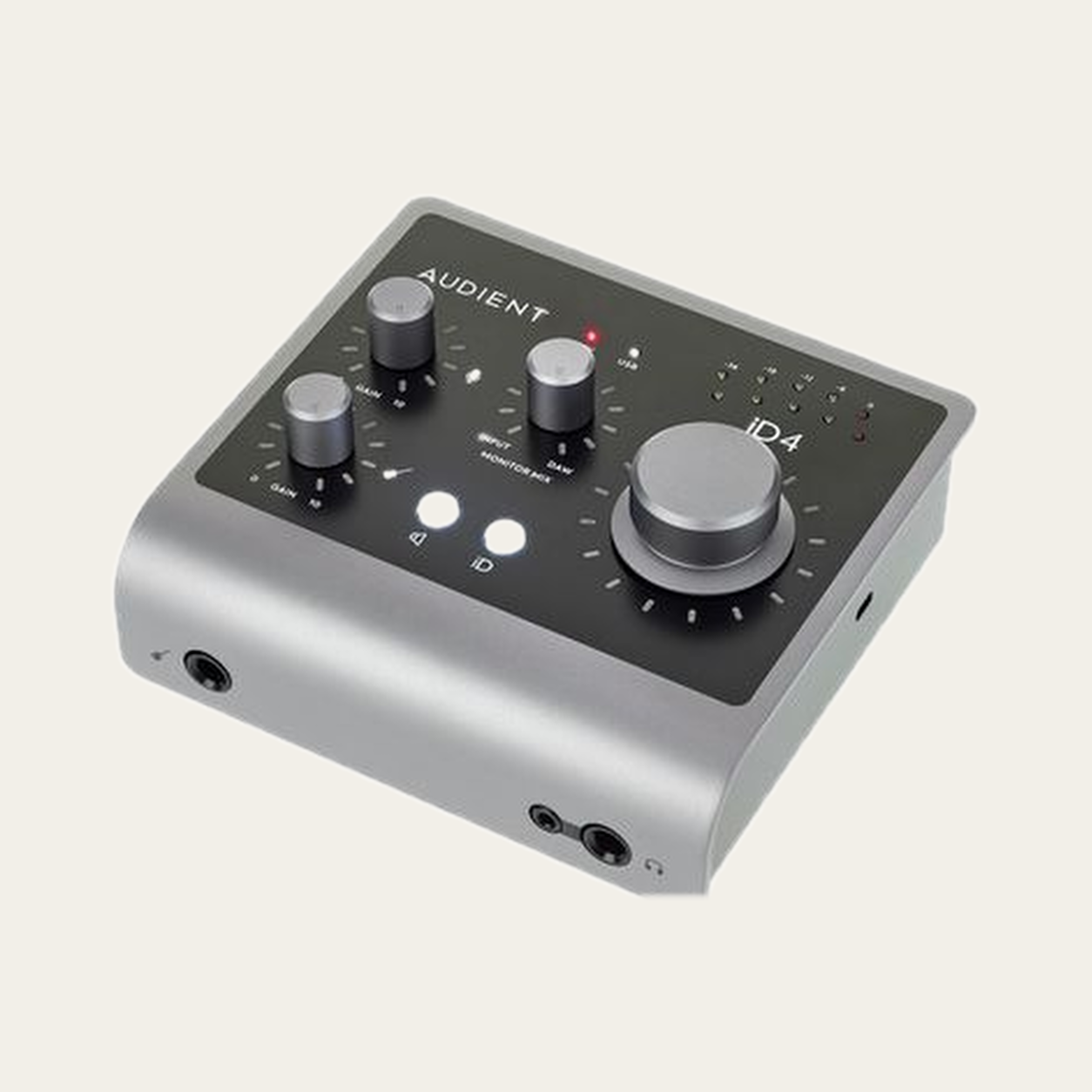
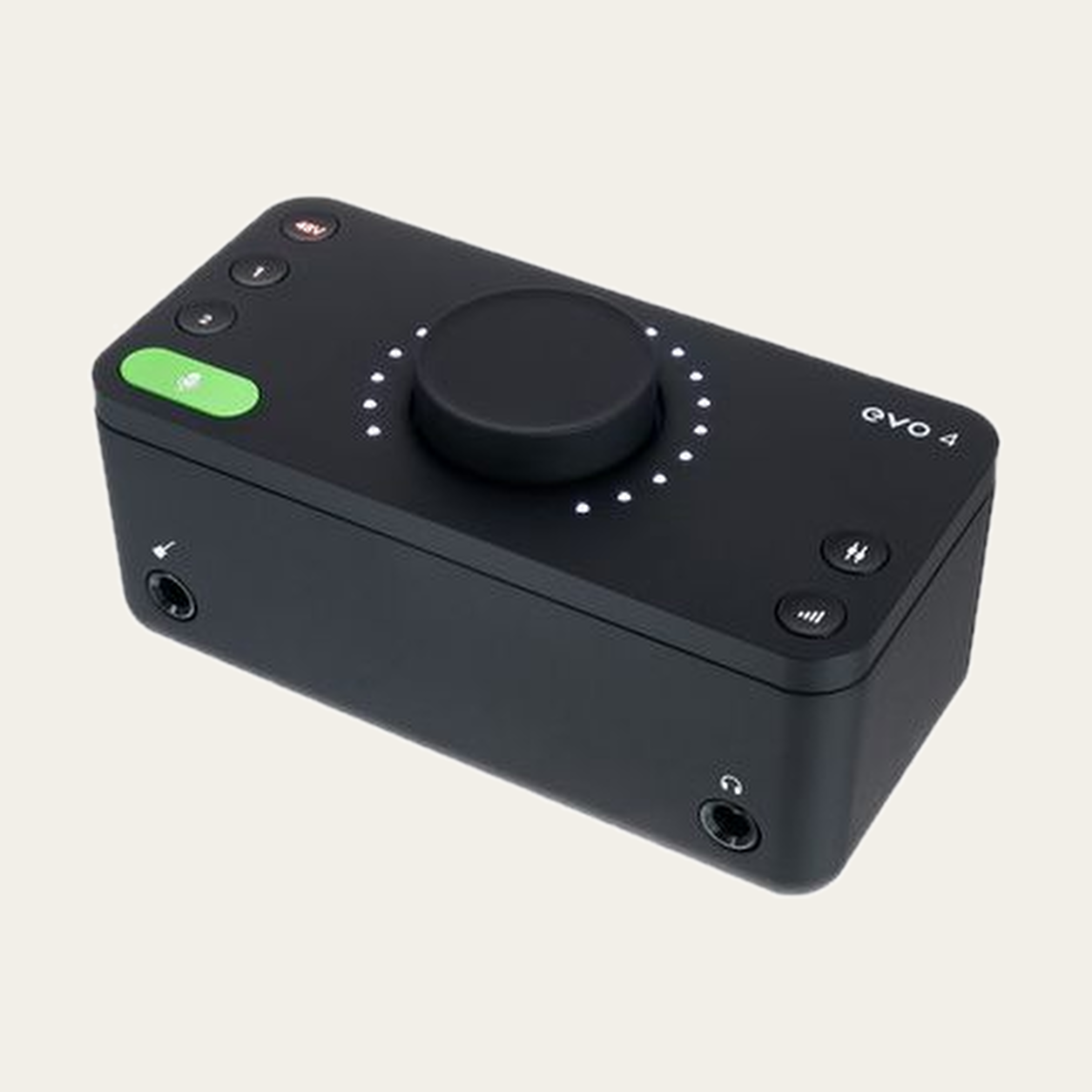
Read the exact interface manual: a combo socket can expose several connector types while still belonging to one channel. Count usable simultaneous paths, not only visible holes.
03 · Microphone placement is part of the setup
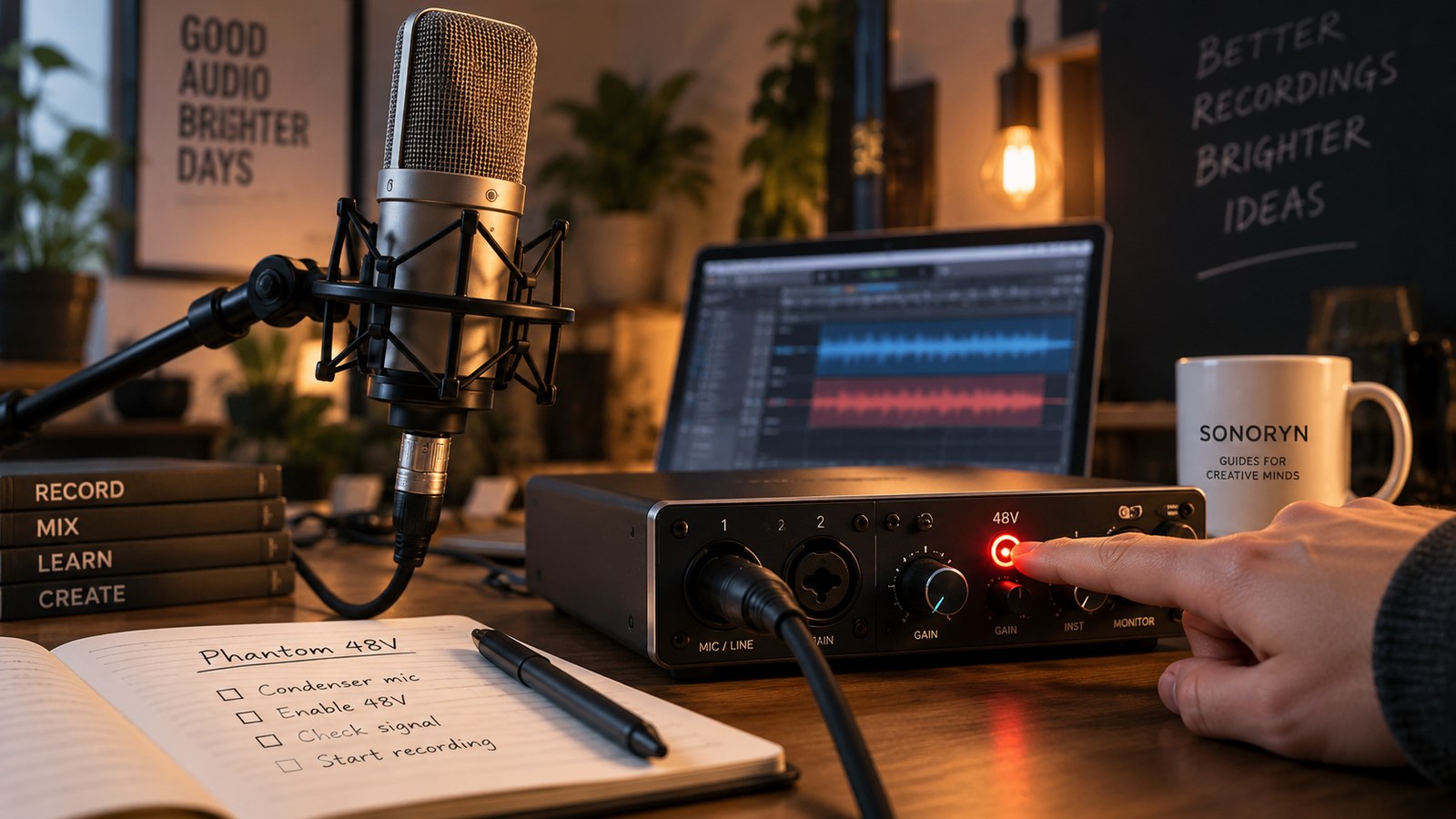
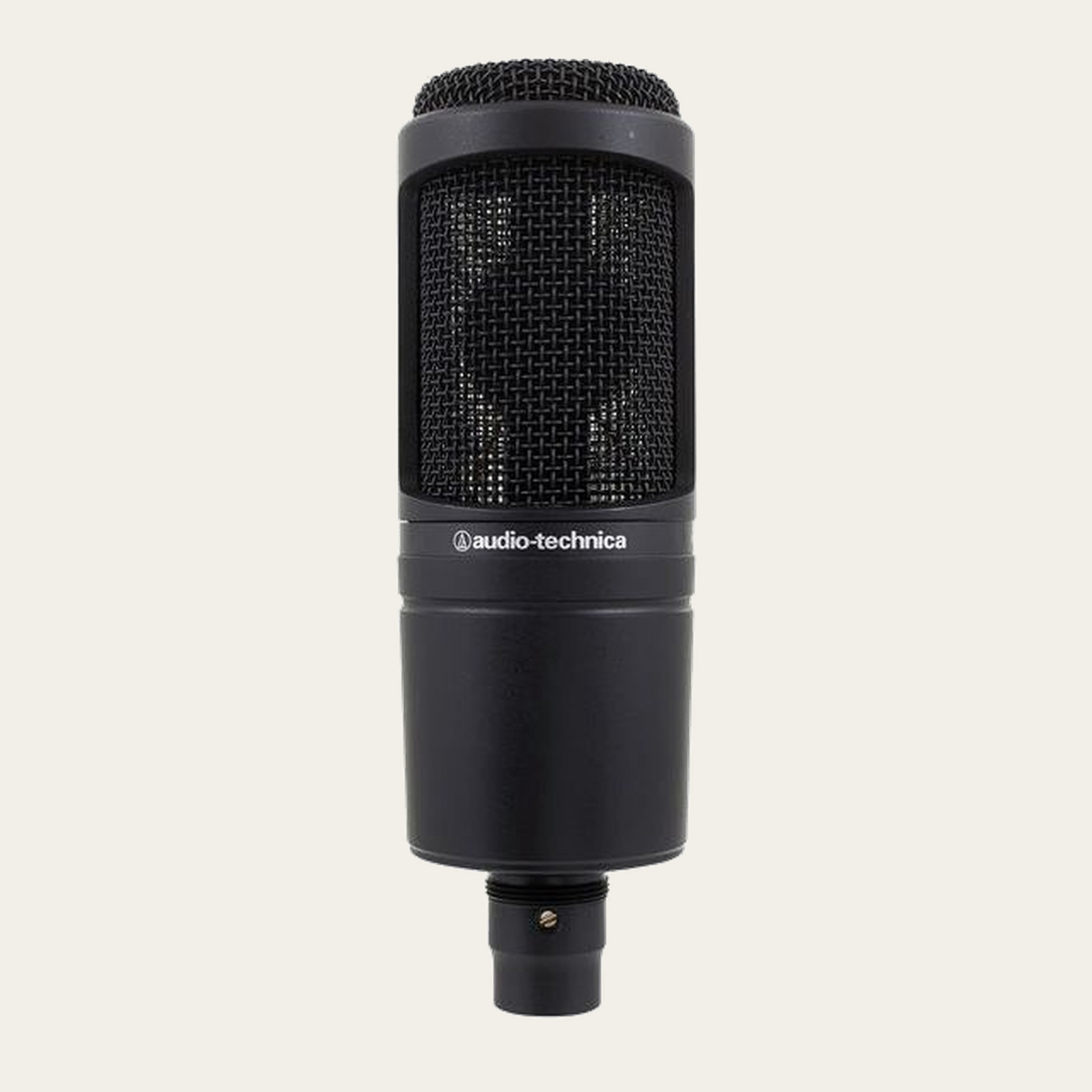
Identify where the exact microphone model captures sound and whether it requires phantom power. A side-address condenser is positioned differently from an end-address dynamic microphone, and an XLR model should not be treated as though it were the USB version of the same family.
For a first session, note the microphone position and change one thing at a time. The goal is a repeatable process, not a universal distance that works for every singer or guitar.
04 · Monitor while you record
You need to hear the backing track and, when useful, the incoming signal. A monitor mix can combine computer playback and live input. The balance you hear is not automatically the recorded level on each track.
If a guitar is processed by software, the direct input and the processed return are different monitoring paths. Direct monitoring does not by itself prove that the software path has zero latency. Start with headphone level low and verify which source reaches the monitor.
05 · Make the first session repeatable
Create a small project template with input assignments, track names and a note of the microphone position. Record a short section, stop and listen back. Confirm that each track contains the expected source and that no required part is missing.
Save what worked. If you later change the instrument, simultaneous-source count or computer, re-check that decision rather than assuming the old setup still applies.
Before you record.
Common questions.
Do I need two inputs to record voice and guitar?
Only if you want to capture two independent sources at the same time. Layered recording can reuse the same channel.
Can I plug a guitar into any jack?
No. Check whether the input is designed for instrument, line or microphone level and follow the interface documentation.
What can I record with a two-input interface?
It depends on the type of each input and what must be captured at the same time. Two inputs do not automatically mean two microphones plus a stereo instrument; count simultaneous sources and check shared resources.