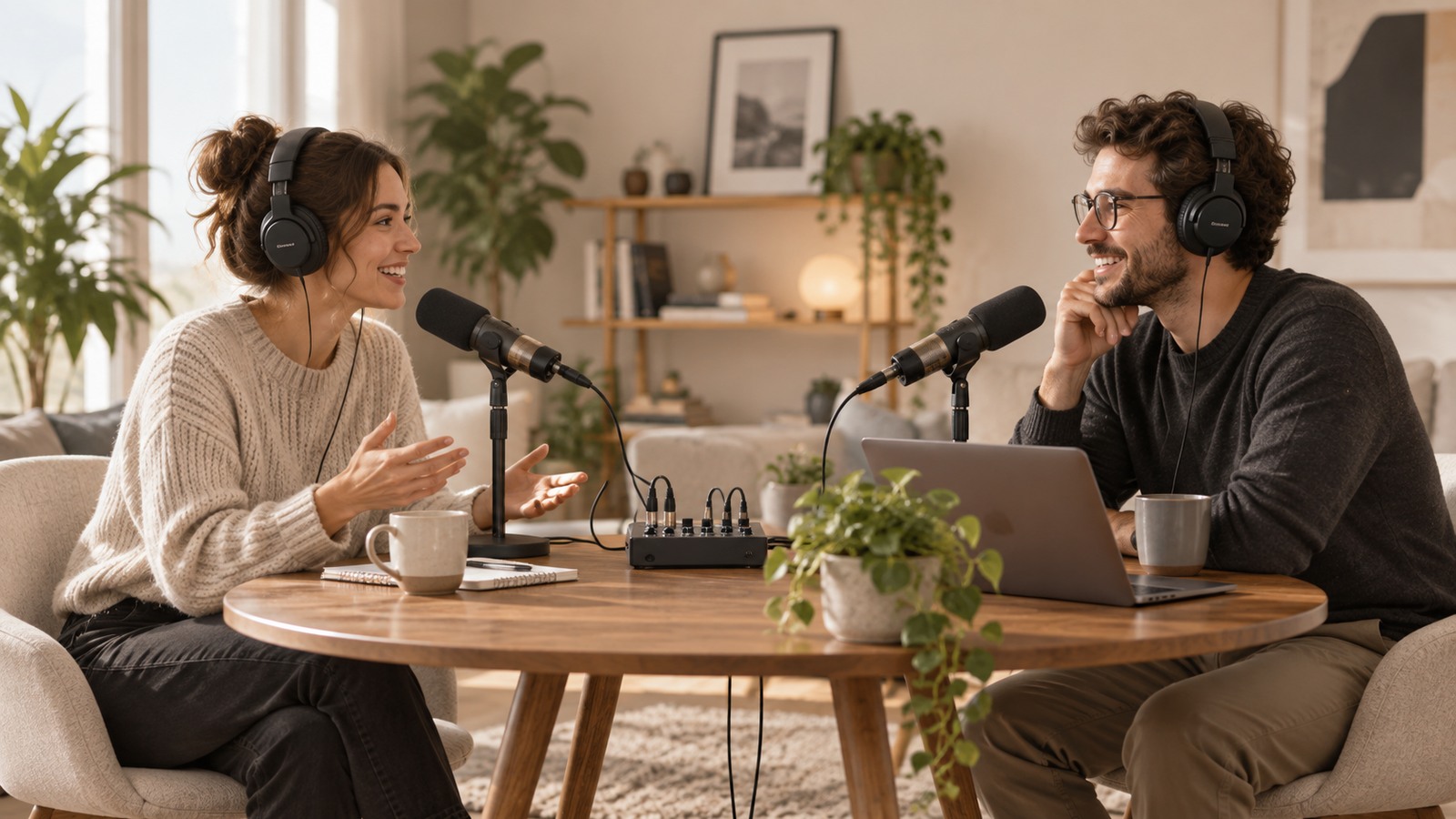
BY THE END OF THIS GUIDE
- Tell two microphone inputs apart from two headphone feeds.
- Build a complete equipment list without forgetting cables and supports.
- Run a short test before recording a full episode.
01 · Define what happens at the same time
Write the project in one sentence: “Two people in the same room, each with a microphone, recorded on the computer.” Add whether both people will wear headphones, whether video is involved, and whether computer audio must play during the conversation. Each extra requirement can consume another route.
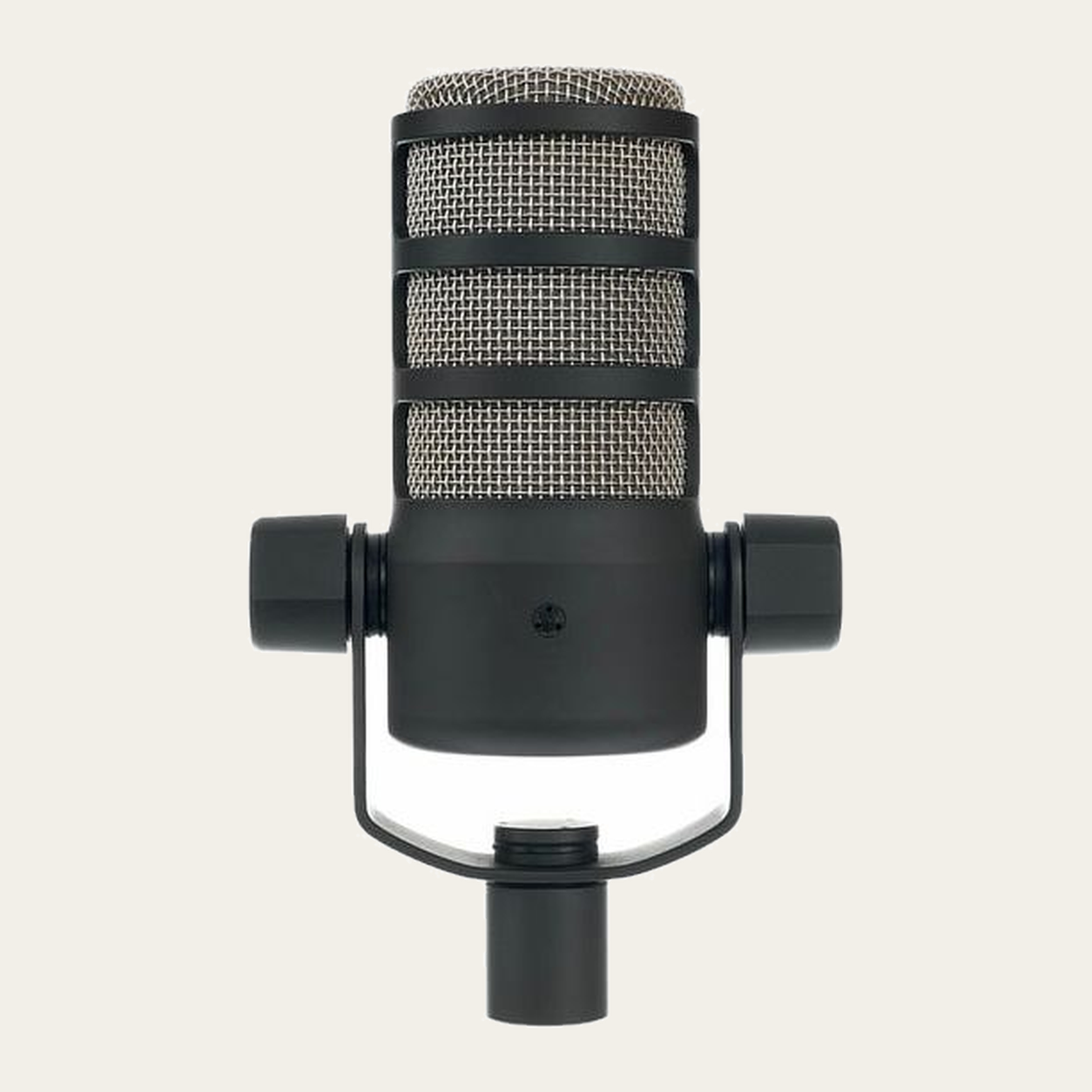
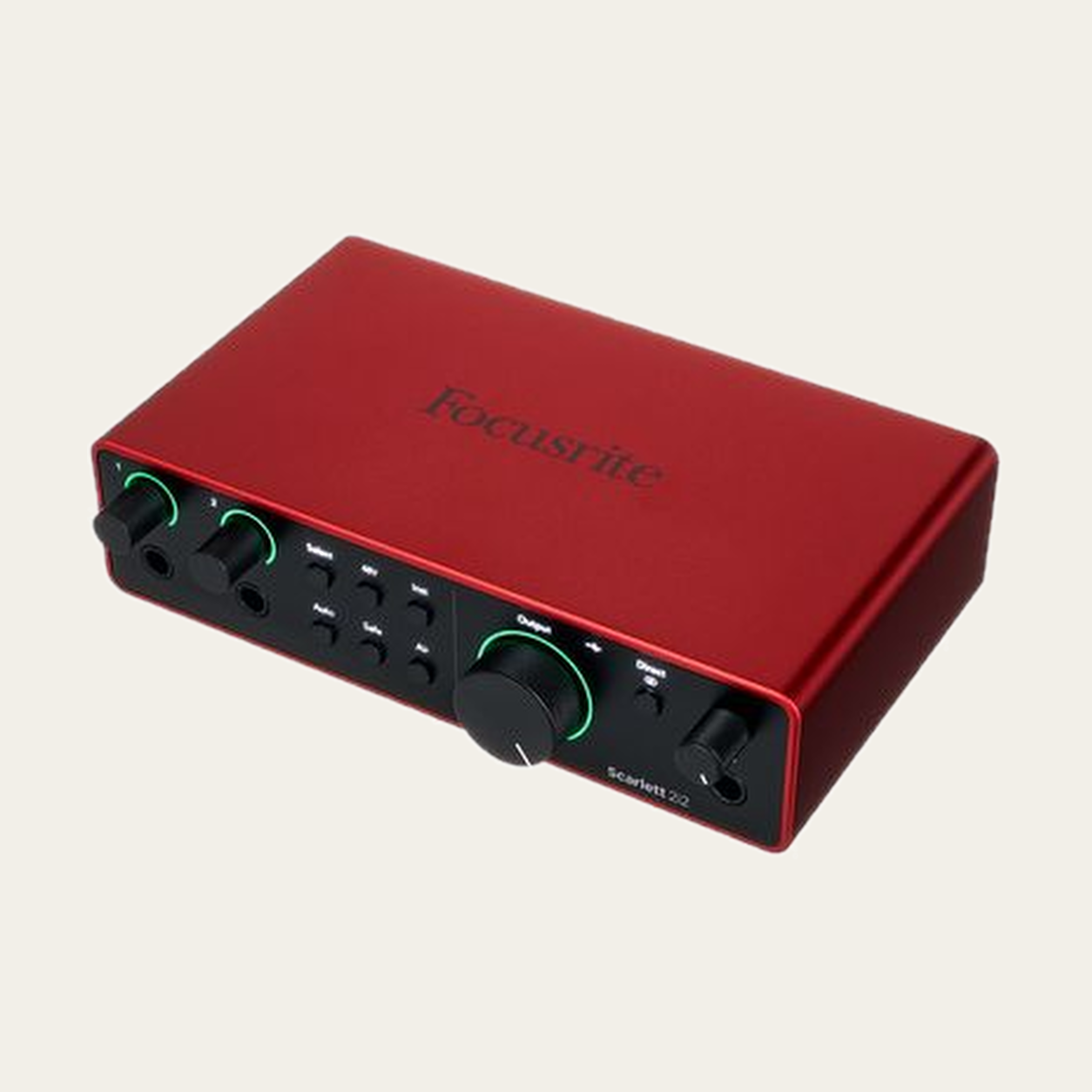
To record two microphones separately you need two microphone inputs that can operate at the same time, and the recording software must assign them to separate tracks. Two visible sockets do not automatically mean two independent microphone channels, so check the exact model and generation.
02 · Separate recording from monitoring
The audio interface converts microphone signals for the computer. A headphone output lets someone listen. Those are different jobs. An interface with two microphone inputs does not automatically include two headphone outputs.
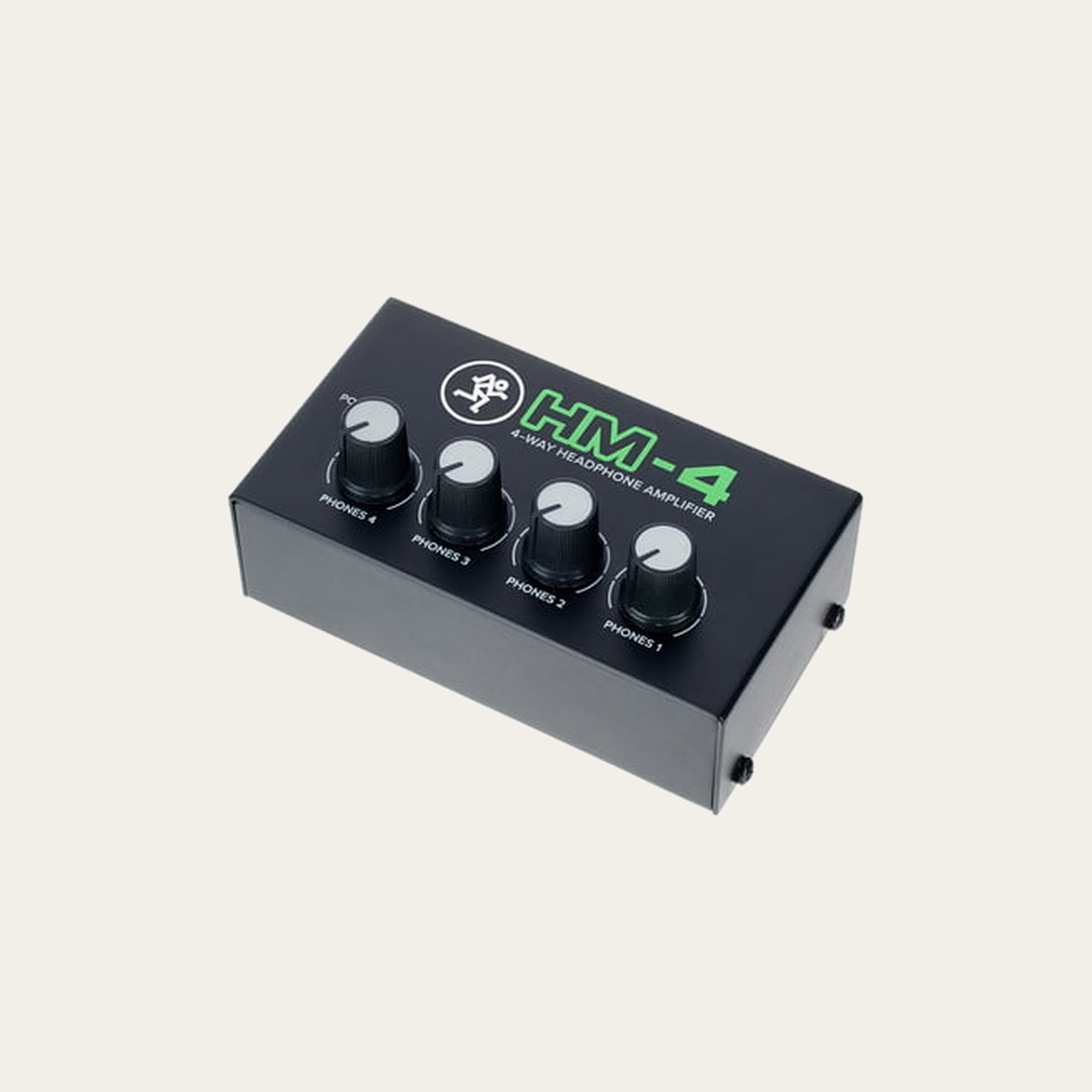
If both people can hear the same program, an external headphone distributor may be appropriate. Individual volume controls still do not create independent mixes. The source feeding the distributor and the headphone load remain separate checks.
Functional diagram only. The actual cable and output depend on the documented connections of the selected models.
03 · Count the whole setup before spending
Count quantities, not just product names: two microphones, two microphone input paths, two suitable supports and the number of monitoring positions you requested. Add the interface data cable and any adapter that is genuinely required. Do not duplicate accessories just because they appear in a product photograph.
Subtract equipment you already own by unit. If you have one suitable microphone and one cable, the second person can still require another cable. Your budget must cover the complete essential chain, not only the two most visible items.
04 · Prepare a small test
Place the equipment so each person can speak without holding cables or hitting a stand. Connect according to the manufacturer instructions with monitoring volume low. Phantom power is decided by the microphone and signal chain; do not enable it by habit.
In the recording software, identify the interface, create the required tracks and check each voice separately. If you use direct monitoring, make sure you are not also hearing a delayed software copy. Record a short conversation, then listen to the file rather than only the live monitor.
05 · When something does not line up
If only one person is recorded, check the input selected on each track before buying another microphone or cable. If both voices are merged into one track, confirm whether the application is recording a mix or the independent inputs.
If the second headphone feed is missing, do not delete the requirement merely to make the list cheaper. You may need a suitable distributor or a different interface. Keep unresolved needs visible until the route that satisfies them is documented.
Before you record.
Common questions.
Do both microphones have to be the same model?
No. Declare the exact models you have. Different microphones can require different gain, power or mounting arrangements, so compatibility is checked per model rather than assumed from the connector.
Do two headphones mean two independent mixes?
No. Two listeners can have separate volume controls while sharing the same program. Different mixes require separate routes.
Do I need an interface with two headphone outputs?
Not necessarily. If both people need the same mix, a suitable external distribution stage may work. If you need different mixes, independent output routes must be demonstrated.